



Families can miss important context
A language gap can make a simple progress update, attendance question, or program reminder harder to understand than it should be.
Schools & Parent Communication
Let parents and educators speak naturally even when they do not share a language.
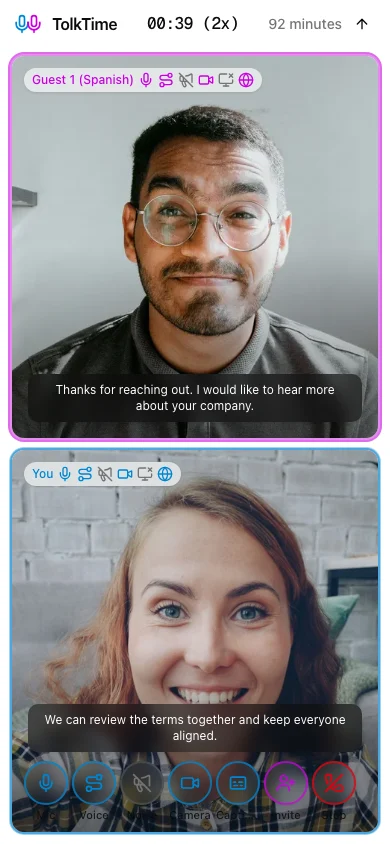
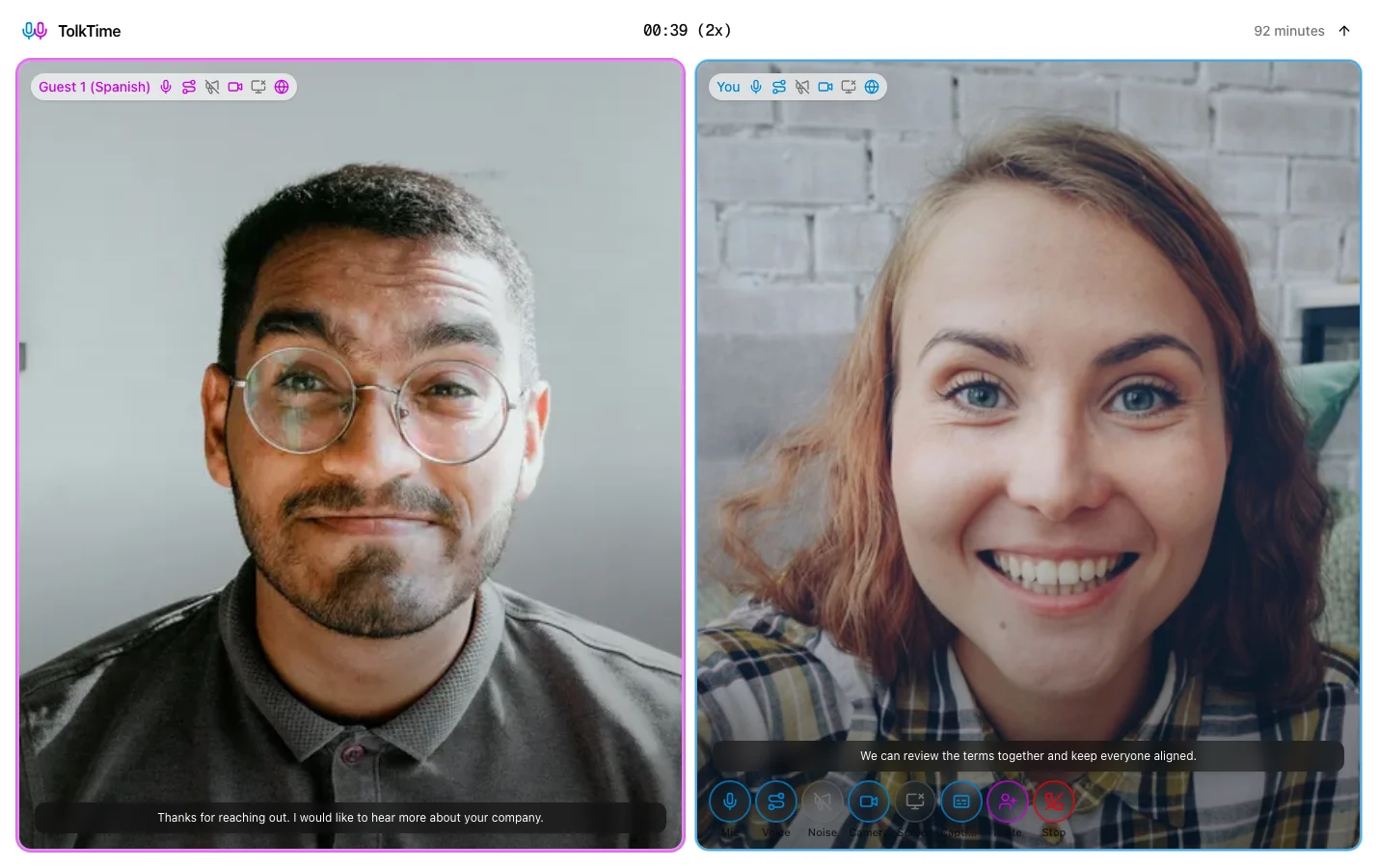
Use TolkTime when a parent, guardian, student family, or tutoring client needs a live voice conversation that is easier than translated email or chat.
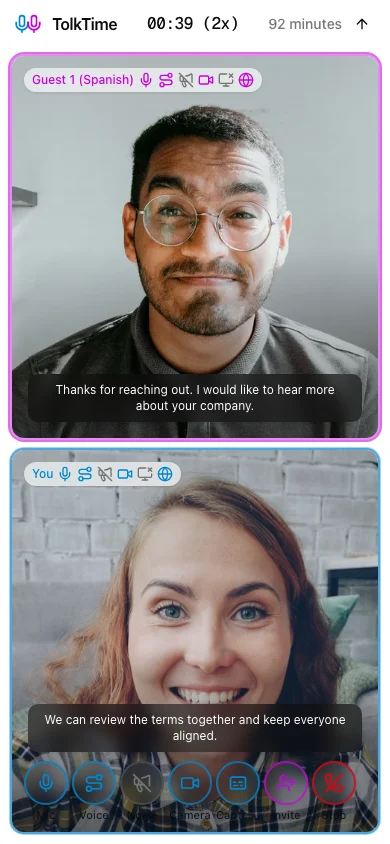
Send a translated call link. Each person speaks their own language and hears translated voice. Guests join without an app, account, payment, or setup.
A language gap can make a simple progress update, attendance question, or program reminder harder to understand than it should be.
Asking a parent to install an app, create an account, or configure another meeting tool adds friction before the conversation starts.
Educators often need to clarify schedules, expectations, learning progress, next steps, and family concerns in the moment.
1
Select the educator language and the parent or guardian language before starting the Call.
2
TolkTime opens a browser Call prepared for live translated voice and captions.
3
Share the invite by email, SMS, chat, or the communication channel the family already uses.
4
The parent or guardian opens the link in a browser without an account, app install, or payment method.
5
Each side speaks their own language and hears translated voice during the conversation.
Teachers, coordinators, tutors, and program staff can speak with families even when nobody on the team shares their language.
Parents and guardians join from the browser without an account, app, payment, or setup, so language help does not become another task.
Use a translated Call when a live conversation would clarify questions faster than a long email or chat thread.
Add a teacher, tutor, administrator, counselor, or program coordinator and run the conversation together with up to 6 participants.
Start audio-only, turn on video, share a screen, or keep school materials open when the conversation needs visual context.
Choose the languages, send the link, and let the family join from the browser.