
Google Meet
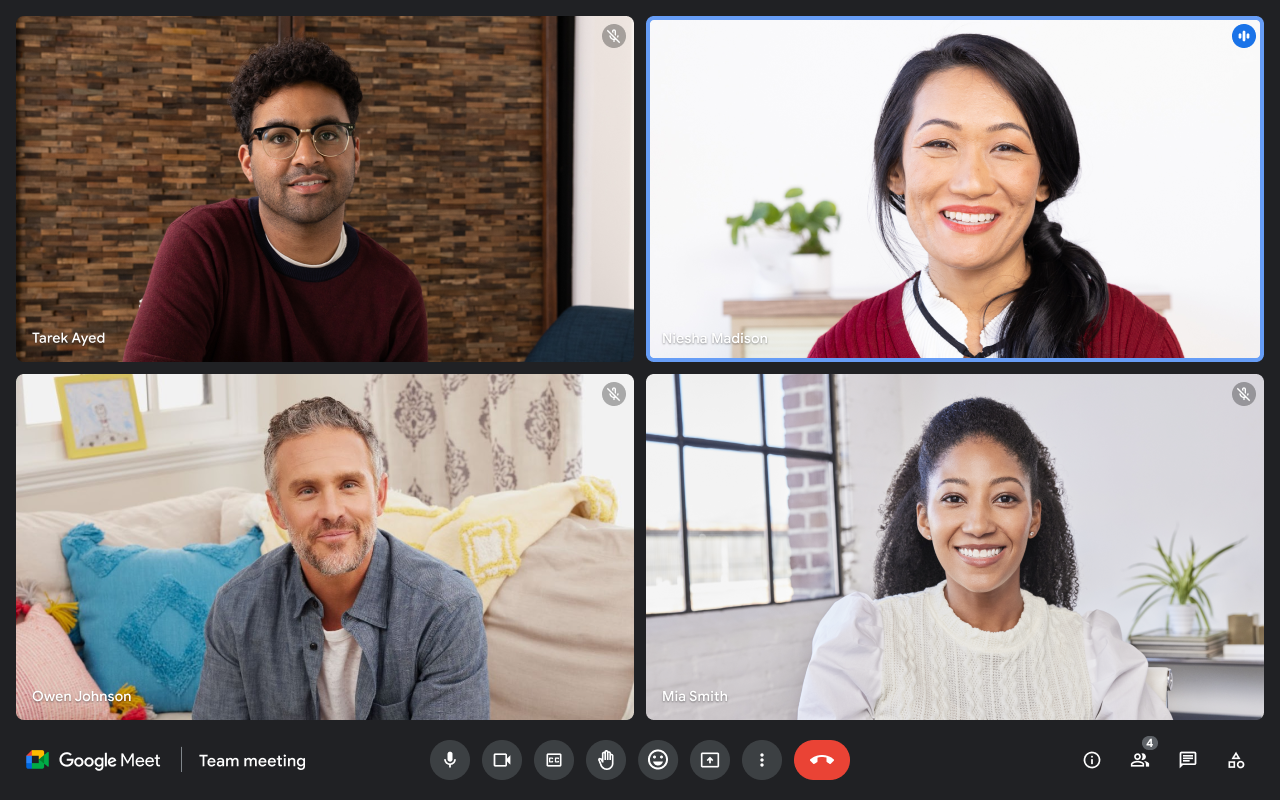
Translated captions inside a Google Meet meeting
Compare
Google Meet is a broad meeting platform with translated captions. TolkTime is a focused translated-call tool for hearing translated voice in small external calls.
Sources: Google Meet translated captions support, Google Meet join meeting support, Google Workspace pricing, TolkTime pricing, TolkTime languages (last checked: 2026-07-03)
Google Meet
Translated captions inside a Google Meet meeting

TolkTime
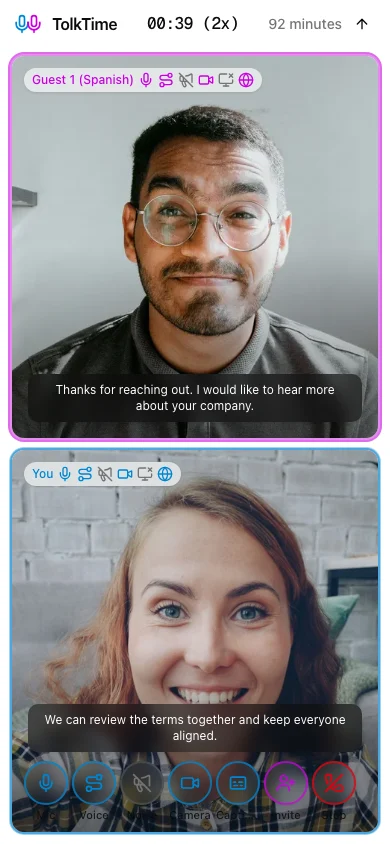
Translated Call mode with voice translation and captions
Google Meet is a good fit when your organization already uses Google Workspace, translated captions are enough, and the meeting needs the broader Google Meet, Calendar, and Workspace workflow.
TolkTime is a good fit when people should hear translated voice and the host wants a focused translated-call tool with clear pay-per-channel usage pricing.
Google Meet translated captions help people read translations during a meeting. TolkTime Call mode lets people hear translated voice and also see captions in a focused translated call.
| Category | Google Meet translated captions | TolkTime Call mode |
|---|---|---|
| User-facing translation type | Translated captions | Voice-to-voice translated calls |
| Translation output | Text captions | Translated voice + captions |
| How translation works | Meeting speech > captions > translated captions | Live speech > translated voice + captions |
| Supported languages | 69 caption languages | 66 translated-call languages |
| Guest can join from a link | Yes | Yes |
| Guest can join without an account | Yes, if admitted; Workspace/admin rules can apply | Yes |
| Guest hears translated voice | No | Yes |
| Guest account required for translation | Meeting join can be account-free; translated captions are documented for eligible Workspace editions | No |
| Guest license required for translation | No separate caption-minute license is listed; availability depends on eligible Workspace access and setup | No |
| Host requirement | Eligible Google Workspace edition | TolkTime host starts a paid Call |
| Max participants | 150 on Business Standard, 500 on Business Plus, 1000 on Enterprise | Up to 6 |
| Best for | Workspace meetings where translated captions are enough | Small external translated voice calls |
| Pricing model | Eligible Google Workspace subscription | Usage-based translated channels; no subscription or add-on |
Google Meet translated captions are documented as part of eligible Google Workspace editions, not as a simple per-hour translated-call product. In practice, the buyer pays for a qualifying Workspace subscription, then the effective caption cost depends on how often translated captions are used.
| Scenario | Google Meet translated captions | TolkTime Call mode |
|---|---|---|
| Pricing approach | Qualifying Google Workspace subscription for the user or organization using translated captions. | Usage-based translated channels; no subscription or add-on. |
| 1 host + 1 guest | No simple per-hour translated-caption price. | $15.00 per call-hour. |
| Guest payment required | No separate per-meeting guest payment is documented, but translated-caption access depends on eligible Workspace access and meeting setup. | No. |
| Guest account required | No Google Account required to join on a computer if admitted. | No. |
| Guest subscription required | Not sold as a separate translation subscription; Google documents the feature under eligible Workspace editions. | No. |
| Host requirement | Eligible Google Workspace edition. | TolkTime host starts a paid Call. |
| Effective-cost formula | eligible Workspace user subscription cost / translated-caption meeting hours per month. | Translated channels x $7.50/hour while the Call runs. |
| Category | Google Meet translated captions | TolkTime Call mode |
|---|---|---|
| Can the guest join by link? | Yes | Yes |
| Can the guest join without a Google Account? | Yes, if admitted by the organizer or a participant | Yes |
| Can the guest receive translated voice? | No | Yes |
| Can the guest read translated captions? | Yes, when translated captions are available to the user or meeting | Optional |
| Does the guest need an eligible Workspace setup for translation? | For translation, Google documents the feature under eligible Workspace editions; link join alone is not enough to promise access | No |
| Does the host need paid access? | Yes, the meeting or user needs eligible Workspace access | Yes, the TolkTime host pays for the Call |
TolkTime gives the host a focused translated Call: choose languages, start, share a link, and let the guest hear translated voice.
Google Meet supports more caption languages by count.
TolkTime supports voice-to-voice translated calls in 66 languages, with captions included in the same Call flow.
Start a TolkTime Call, choose languages, and invite your guest with one link.


