

Traditional text-based flow
Many tools first turn speech into text, translate the text, and then generate speech. Each separate step can add delay and make the conversation feel less natural.
SPEECHTEXTTRANSLATED TEXTGENERATED VOICE
How it works
TolkTime streams live speech through a server-side real-time translation path and returns generated voice with automatic captions across 66 languages.
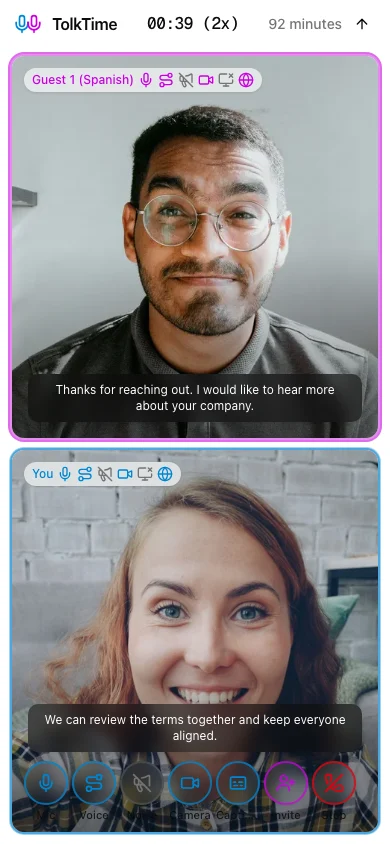
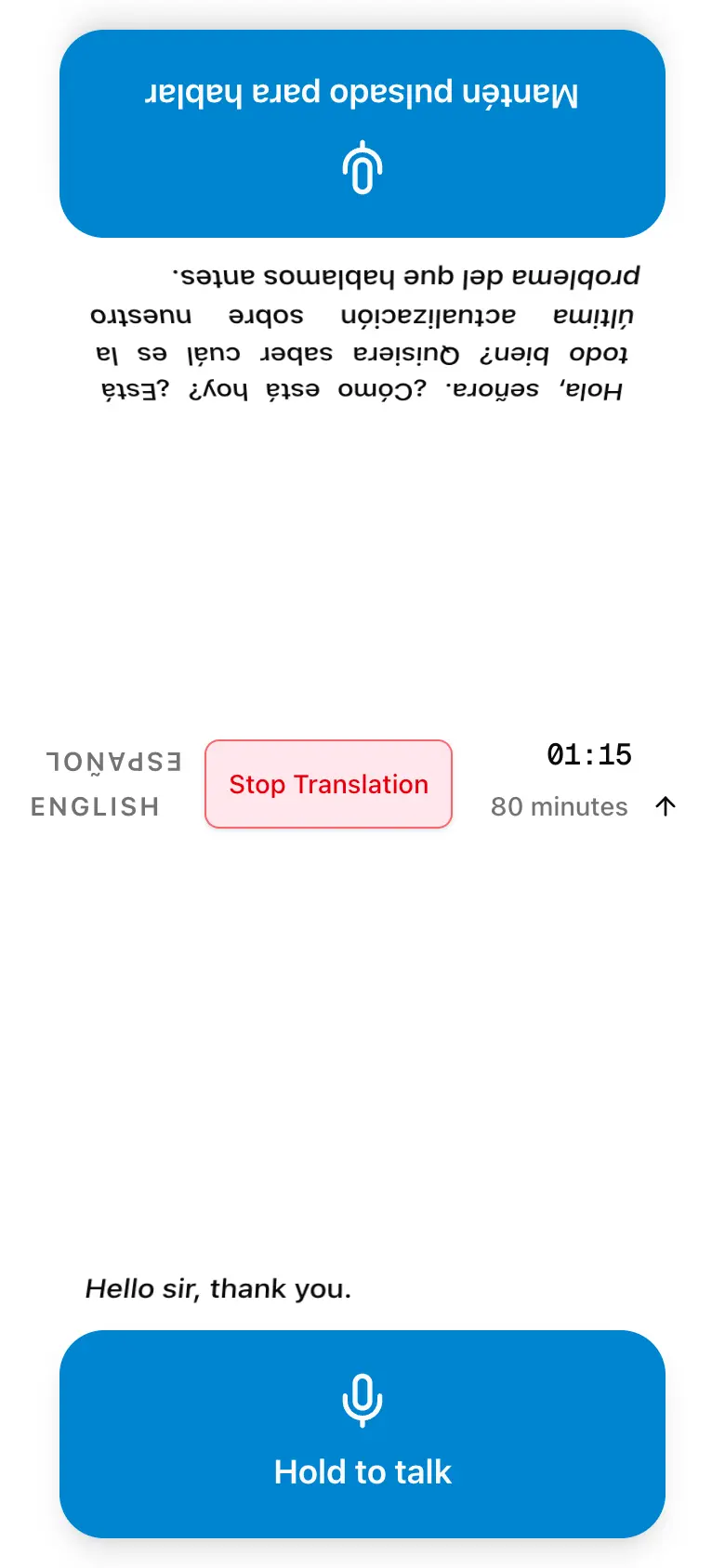
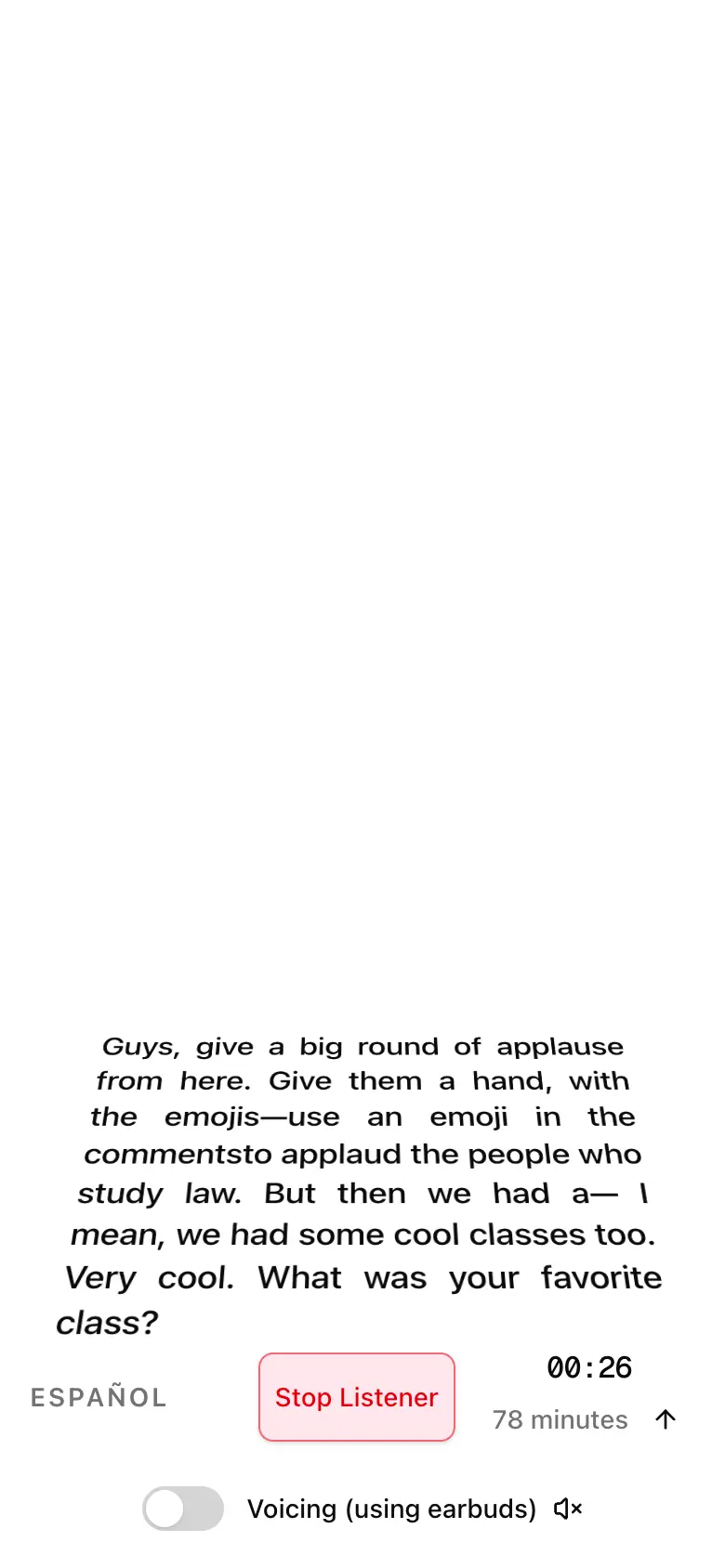
Choose a mode, choose languages, and hear speech translated into the language you understand.
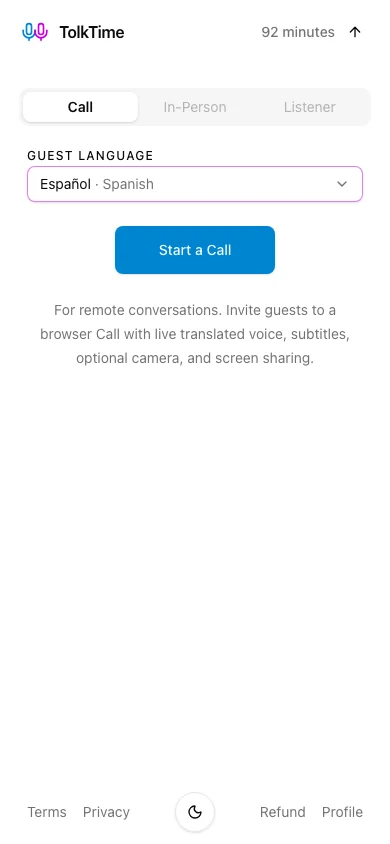
The experience starts with spoken audio and ends with spoken translation. Automatic captions are produced alongside the translated voice, but you do not have to type, copy text, or move between separate tools.
Many tools first turn speech into text, translate the text, and then generate speech. Each separate step can add delay and make the conversation feel less natural.
TolkTime handles listening, translation, captions, and spoken output inside one live session. The user experience stays simple: live speech in, translated speech out.
The browser and server keep one live path open for the active session so audio, captions, and translated voice can move continuously.
After you allow microphone access, the browser captures live audio and sends small audio chunks through an encrypted connection to TolkTime.
TolkTime's server coordinates the real-time translation provider. Provider credentials never go to the browser.
Translated subtitle text is returned alongside the audio and updates as the spoken phrase is processed.
The translated result is spoken using the selected generated voice. Depending on the mode, both sides hear it, one device plays it, or Listener voicing can be turned off.
The same real-time translation foundation powers Calls, In-Person conversations, and Listener mode.
Choose from the same language list across all three modes. Availability does not mean every accent, dialect, or language pair will have identical accuracy.
Captions are created during the live session so you can read the translation as well as hear it.
The translation is instructed to preserve meaning, tone, emotion, politeness, urgency, and intensity while sounding natural in the target language.
TolkTime streams audio and begins returning output as speech is processed instead of waiting for a complete recording. Connection quality and phrase complexity still affect delay.
Real-time voice translation should feel conversational, but it is generated translation rather than a perfect copy of the original speaker.
TolkTime does not clone the speaker's exact voice. It uses a selected generated voice and aims to carry the original meaning, tone, and emotional force into the translation.
Short pauses are normal while speech is understood and translated. Network conditions, provider readiness, long phrases, and device performance can change the delay.
Names, technical terms, accents, unclear speech, background noise, and overlapping speakers can cause mistakes, omissions, or captions that update as more context arrives.
Choose the interaction pattern that matches the conversation you need to understand.
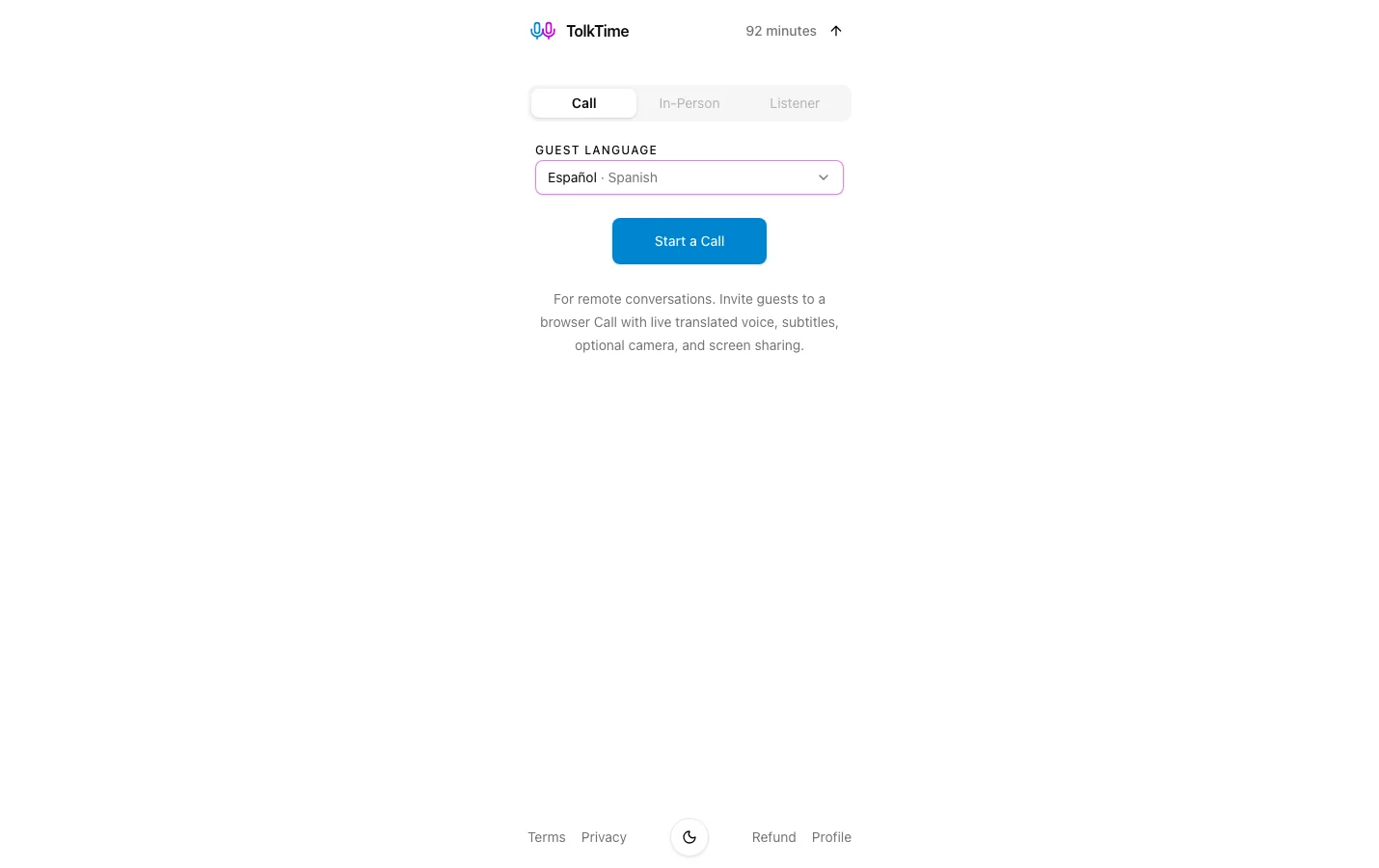
Host a translated browser call. Guests join by link.
Learn about multilingual CallsUse one device for a face-to-face conversation. Take turns speaking.
Explore In-Person modeUnderstand speech around you with live subtitles and optional translated voice.
Explore Listener modeChoose a mode and language pair, then use the free balance to hear how translated voice and captions work in your browser.