



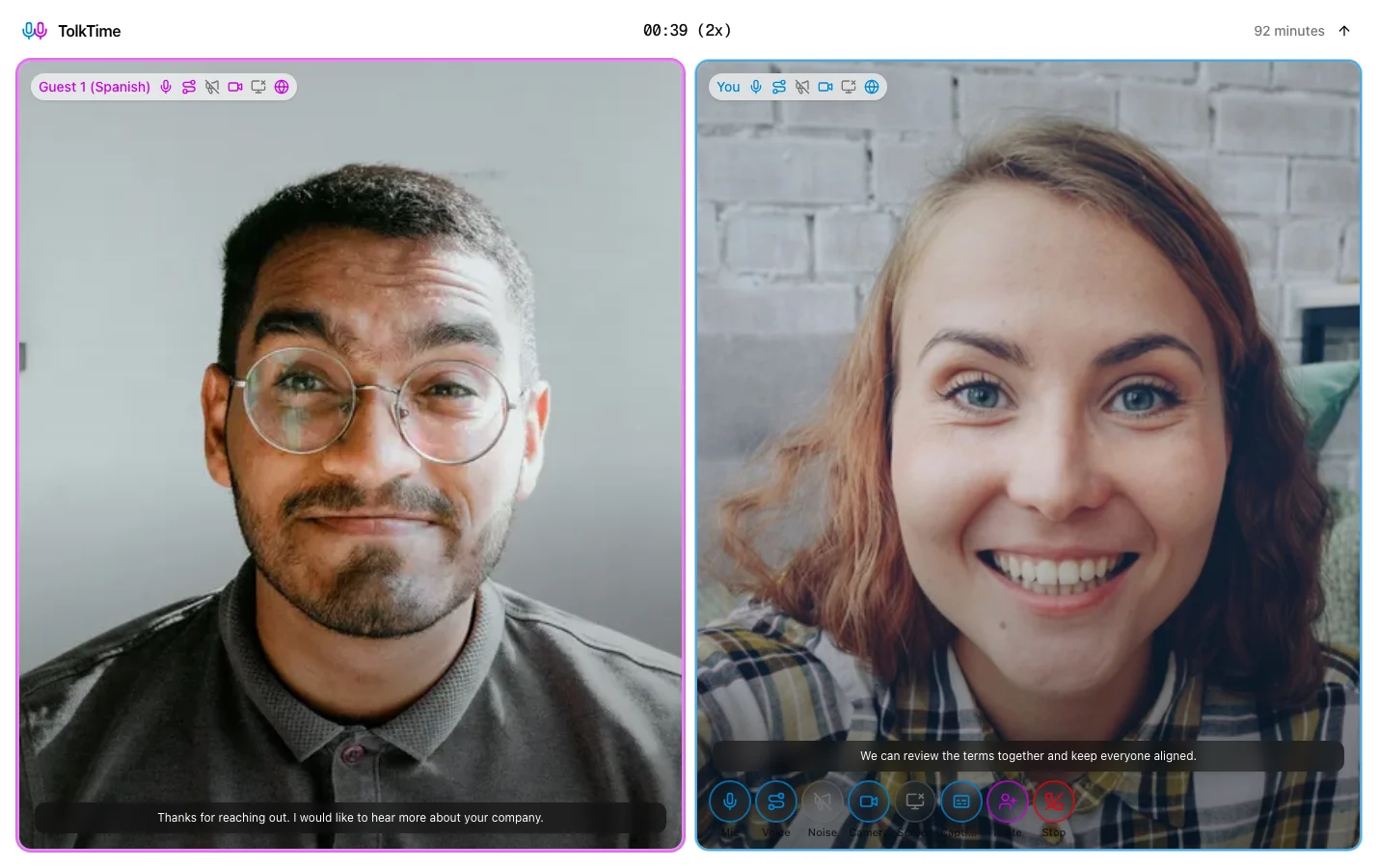
Customers wait while context gets lost
A language gap can turn a quick account, setup, or troubleshooting question into a long back-and-forth thread.
Customer Success & Support
Help multilingual customers by voice instead of slow text translation.
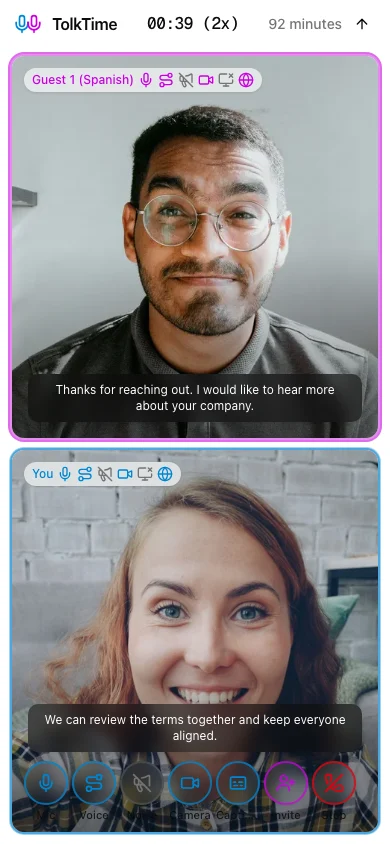
Use TolkTime when a customer, client, or account contact needs a live voice conversation that is faster than translated email or chat.
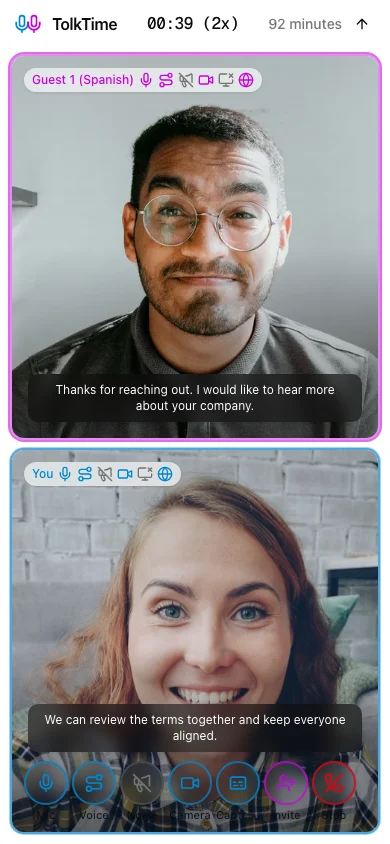
Send a translated call link. Each person speaks their own language and hears translated voice. Guests join without an app, account, payment, or setup.
A language gap can turn a quick account, setup, or troubleshooting question into a long back-and-forth thread.
Asking a customer to install an app, create an account, or configure another meeting tool adds friction when they already need help.
Support and success teams often need to hear tone, clarify symptoms, confirm steps, and agree on next actions in the moment.
1
Select your team's language and the customer's language before starting the Call.
2
TolkTime opens a browser Call prepared for live translated voice and captions.
3
Share the invite by email, SMS, chat, ticket, or the support channel your customer already uses.
4
The customer opens the link in a browser without an account, app install, or payment method.
5
Each side speaks their own language and hears translated voice during the conversation.
When text is too slow, a translated Call lets your team ask follow-up questions and confirm what the customer means.
Customers can join from the browser without an account, app, payment, or setup, so language help does not create another hurdle.
Use live translated voice for setup walkthroughs, account reviews, renewal questions, and service conversations.
Add a support specialist, success manager, or technical teammate and run the conversation together with up to 6 participants.
Start audio-only, turn on video, share a screen, or keep a ticket open when troubleshooting needs visual context.
Choose the languages, send the link, and let your customer join from the browser.