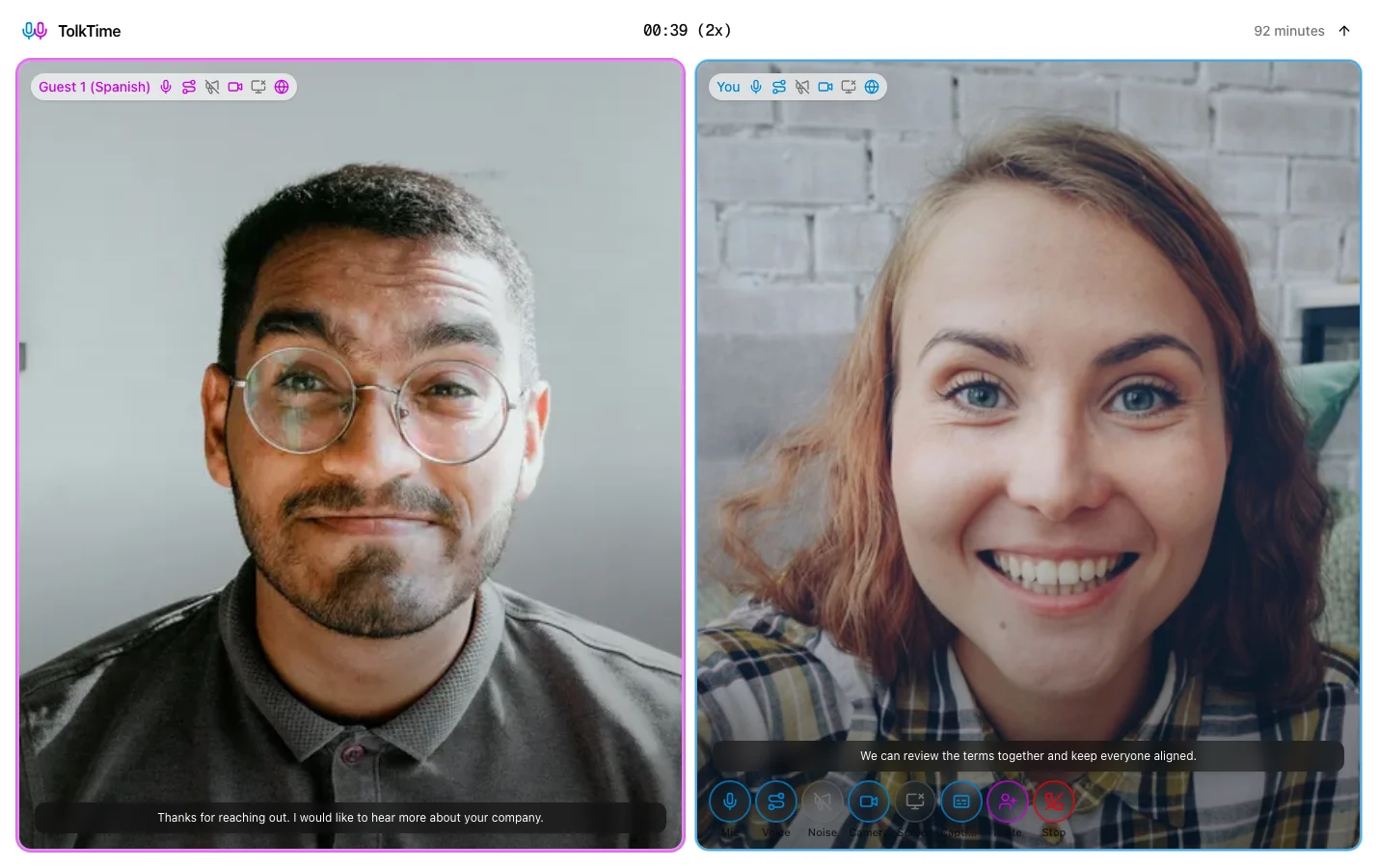



Hear translated voice
You and your guests speak naturally while TolkTime translates voice in real time, helping preserve tone and emotion.
Multilingual Calls
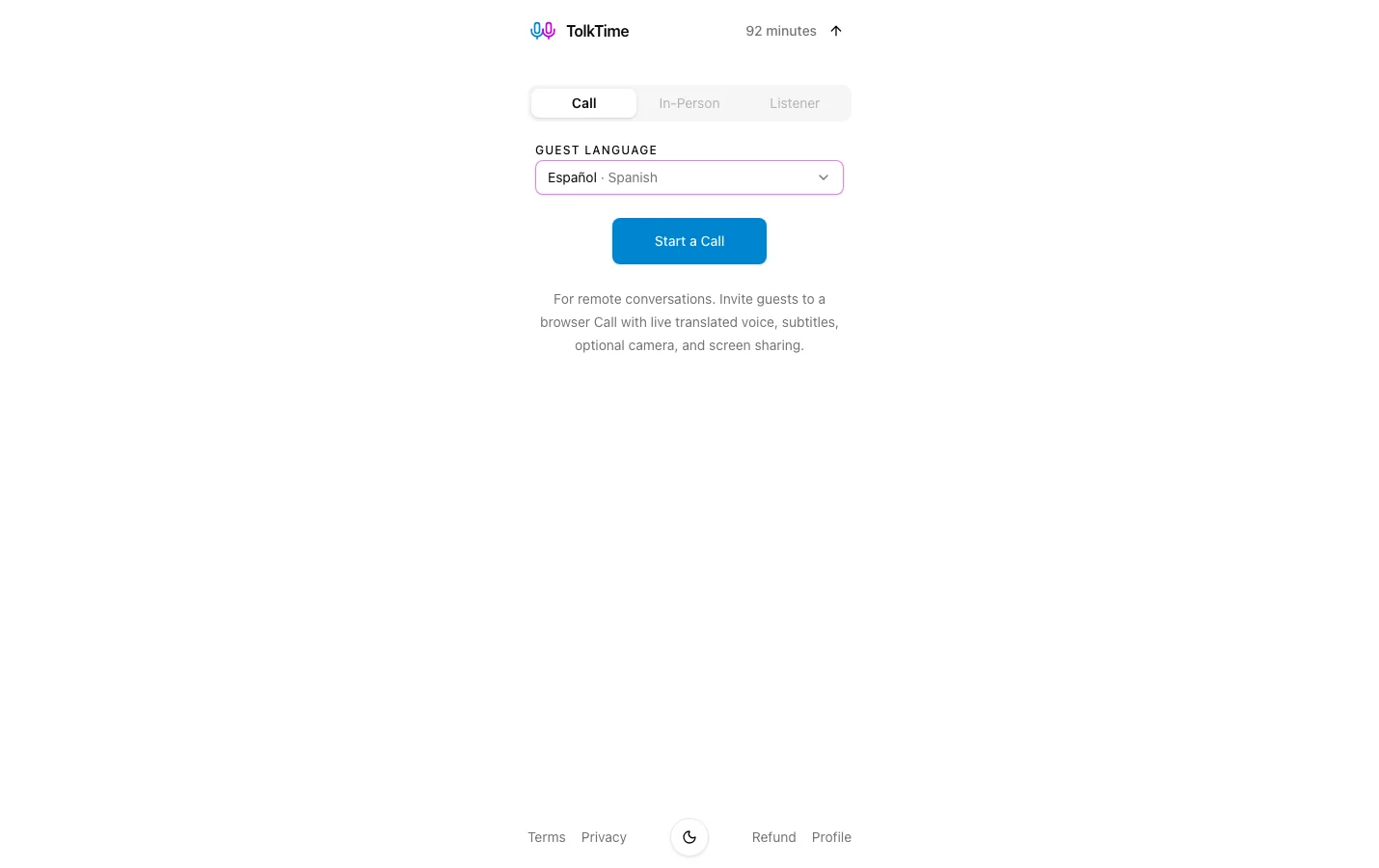
Start a browser call, share one link, and let everyone hear translated voice in their own language.
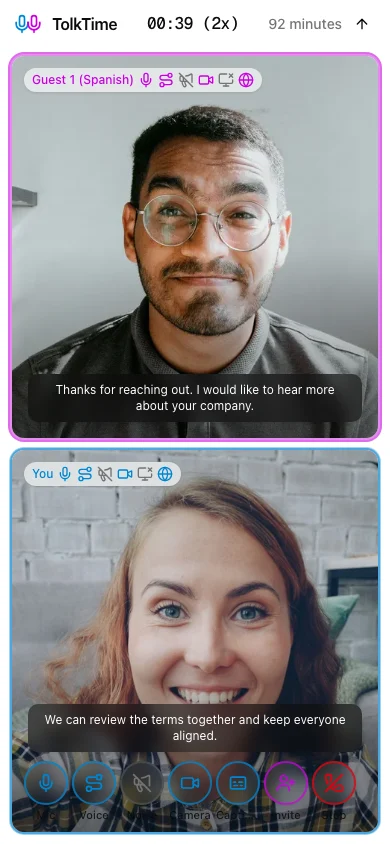
Call mode is a translated browser room for remote conversations. The host starts a Call, shares one link, and guests join without an account.
You and your guests speak naturally while TolkTime translates voice in real time, helping preserve tone and emotion.
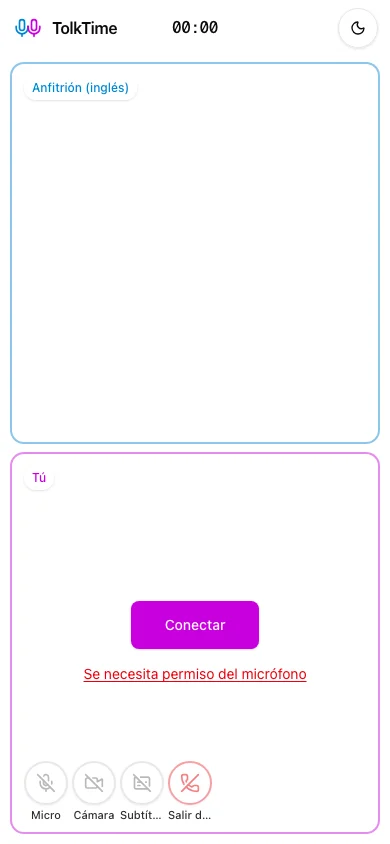
Participants can follow live captions for what was said and what was translated.
Use audio only, turn on video, share your screen, or keep another video-call app open for visuals.
Guests do not need an account, app install, or payment method. They open the link and join.
Choose languages, invite guests, watch usage, and end the Call when done.
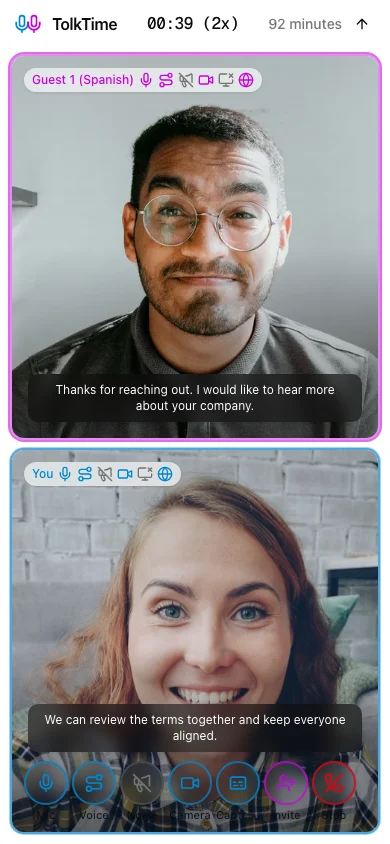
The host sets up the Call, invites guests, and controls the live session.
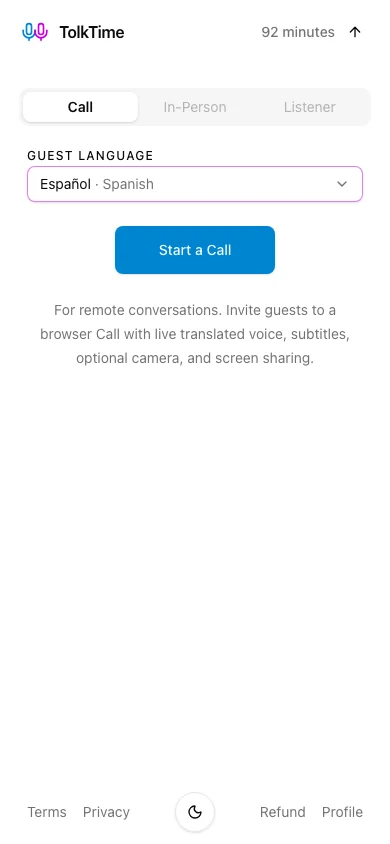
Guests join from a browser link and use the controls they need for the live conversation.
Start with 10 free minutes. Calls use your translation balance, and the live Call screen shows the current multiplier.
New accounts start with 10 free minutes, so you can try a real Call before adding balance.
The host pays for translation. Guests do not need an account, app install, or payment method.
Each connected participant adds 1x. The Call screen shows the current multiplier during the session.
The multiplier depends on the number of connected participants, no matter which of the Call's two languages each person uses.
TolkTime is built for live translation, not for storing your Calls.
TolkTime is built for live conversations, not for storing conversation audio on TolkTime servers.
For billing and session history, we store the Call duration and the languages used.
Guests join by link and do not need an account, app install, or payment method.
Live translation works best when speech is clear and translated audio cannot feed back into the microphone.
Clear speech, a quiet environment, a stable connection, and one speaker at a time improve results. Names, specialist terms, accents, overlapping speech, and background noise can reduce accuracy.
Earbuds or headphones prevent translated playback from being picked up by your microphone, reducing echo and repeated translation.
See how staffing teams can use a translated Call link for candidate screening and scheduling.
View recruiting use caseSee how SMB sales teams can use a translated Call link for discovery, demos, and customer follow-up.
View sales use caseSee how customer success and support teams can use a translated Call link for troubleshooting, onboarding, and account conversations.
View support use caseSee how schools, tutors, and education programs can use a translated Call link for parent conversations and student updates.
View schools use caseSee how relocation advisors and immigrant-support teams can use a translated Call link for everyday support conversations.
View relocation use caseCall mode is for remote browser conversations. TolkTime also has modes for shared-device conversations and one-way listening.
Use one device for a face-to-face conversation and take turns speaking.
Explore In-Person modeListen to speech around you and follow translated subtitles with optional translated voice.
Explore Listener modeChoose the languages, share the link, and let your guest join without an account.