



Promising leads can stall
A language gap can turn a quick discovery call, demo follow-up, or pricing question into a long email thread.
Cross-Border Sales
Speak with overseas prospects and customers using a simple translated call link.
Use TolkTime when a prospect, customer, distributor, or partner is easier to move forward by voice than by translated email or chat.
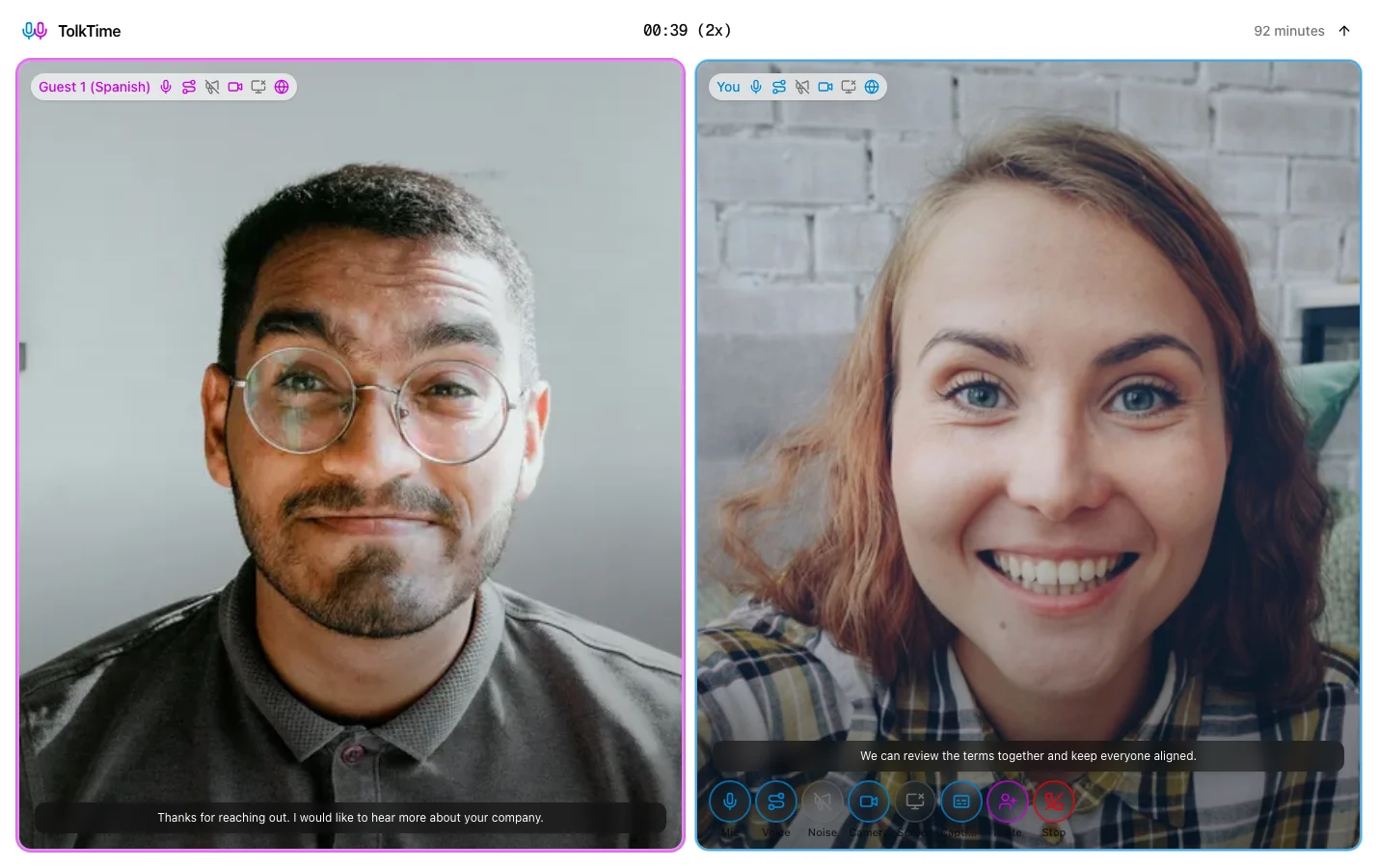
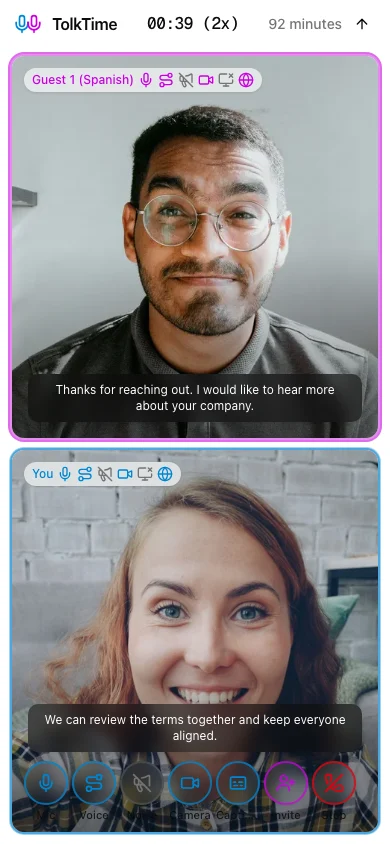
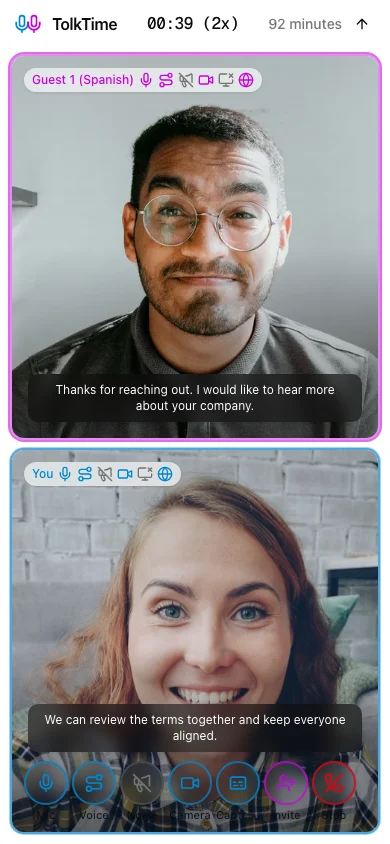
Send a translated call link. Each person speaks their own language and hears translated voice. Guests join without an app, account, payment, or setup.
A language gap can turn a quick discovery call, demo follow-up, or pricing question into a long email thread.
Asking an overseas prospect to install an app, create an account, or configure a meeting tool adds friction before the conversation starts.
Sales teams often need to clarify needs, timing, budget, objections, next steps, and customer context in the moment.
1
Select your language and the prospect or customer's language before starting the Call.
2
TolkTime opens a browser Call prepared for live translated voice and captions.
3
Share the invite by email, SMS, chat, or the sales channel your contact already uses.
4
Your contact opens the link in a browser without an account, app install, or payment method.
5
Each side speaks their own language and hears translated voice during the conversation.
A small team can speak with overseas prospects and customers even when nobody on the team shares their language.
Choose languages, start the Call, and send one link when a live conversation would clear up questions faster.
Use voice, captions, video, and screen sharing when a product walkthrough or next-step conversation needs more than text.
Your prospect or customer joins from the browser without an account, app, payment, or setup.
Add a founder, sales rep, account manager, or product teammate and run the conversation together with up to 6 participants.
Choose the languages, send the link, and let your overseas prospect or customer join from the browser.